
Dynamic vs. Static QR Codes: What's the Difference?
Dynamic vs. static QR codes: a static code stores your content in the pattern, a dynamic one stores a short link you can edit. When to use each.
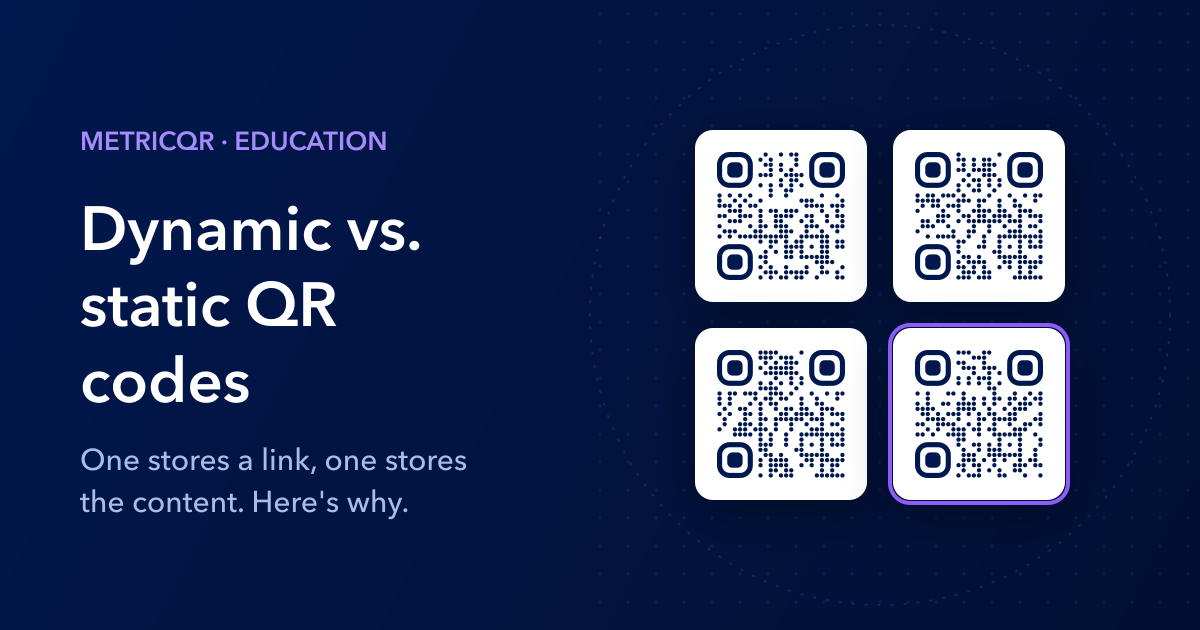
A static QR code stores your content directly in the black-and-white pattern, so it can never be edited or tracked. A dynamic QR code stores a short link instead, and a server decides where that link goes each time someone scans, which is why dynamic codes can be edited after printing and can count their scans.
That is the whole difference. Everything else people list (analytics, editing, cleaner patterns, lock-in risk) follows from that one design choice, and once you see the mechanism you can decide for any project in about ten seconds.
Yes, and this is the part most explanations skip. The printed pattern of every QR code is fixed forever. A "dynamic" QR code is simply a static QR code whose content happens to be a URL, and the URL points at a server you can reconfigure.
So "dynamic" is not a property of the code. It is a property of the redirect service behind it. That matters because it tells you where both the power and the risk live: in the service, not in the ink.
Static: the camera decodes the pattern and acts on it immediately. A URL opens, a WIFI: payload offers to join the network, a TEL: payload offers to call. No server is involved, nothing is logged, and it works with no internet for anything that is not a web link.
Dynamic: the camera decodes a short link such as https://metricqr.com/c/aB3xK9pQz and opens it. The server looks up that code, checks whether it is active, and answers with an HTTP redirect to the current destination. The scan is recorded in the background so the redirect is not held up.
One detail worth knowing: MetricQR answers with a temporary (307) redirect, not a permanent one. Browsers are allowed to cache permanent redirects, which would mean a phone that scanned your code last month could keep going to the old destination after you edit it. A temporary redirect is re-checked on every scan, so edits take effect immediately.
Because a short link is less data. QR codes grow in modules (the little squares) as content grows, and smaller modules are harder for a camera to resolve at a distance or on a small print. We measured three payloads at the same error-correction level MetricQR uses by default:
| Content | Characters | Pattern size |
|---|---|---|
| MetricQR short link | 32 | 29 x 29 modules |
| Long URL with UTM tags | 112 | 53 x 53 modules |
| Static contact card (vCard) | 227 | 69 x 69 modules |
Printed at the same physical size, the contact card's modules are less than half the width of the short link's. That is why a static vCard on a business card struggles at 2 cm, while a short-link code scans comfortably at that size.
More often than QR vendors admit. Choose static when:
- It is a WiFi code. A static WiFi code joins the network in one tap. A dynamic one has to open a web page first, which needs a data connection (the thing your guest is trying to get), and no web page is allowed to add a WiFi network to a phone. The best it can do is show the password with a copy button. For a cafe WiFi code, static wins.
- It should call or text a number directly. Static
TEL:andSMSTO:codes open the dialer or messages app straight away. The dynamic version shows a page with a call button: one extra tap. - The content will genuinely never change and you do not care how often it is scanned: a serial number, a Bitcoin address, a permanent Wikipedia link.
- Privacy is the point. A static code never contacts any server, so no one, including us, learns that it was scanned.
- It must work offline, deep in a building or at a remote site with no reception.
Whenever the code will be printed and the destination might ever move, which is most marketing. Choose dynamic when:
- The link may change. Menus get updated, campaigns end, product pages get renamed. On packaging or signage, reprinting costs far more than the code. See QR codes for product packaging.
- You want to know if it works. Only a dynamic code can count scans, and tell you when, where (city level) and on which devices. One honest caveat: the "referrer" in scan data is almost always "direct", because a phone camera sends no referrer. We covered what scan tracking can and cannot see in detail.
- The URL is long. Tracking parameters balloon a static pattern, as the table shows. A dynamic code keeps the print simple and applies the long URL behind the scenes.
- You may need to switch it off. A dynamic code can be paused, or redirected when a promotion ends, instead of leading to a dead page on a flyer that is still on the wall.
Two, and both deserve a straight answer.
Dependency. A dynamic code works only while its redirect service does. If the provider goes down, raises prices, or deactivates codes when a free trial ends (a common trick), every printed copy breaks at once. Before printing, confirm the plan never expires codes and has no scan cap. On MetricQR, free codes are unlimited, never expire, and editing the destination is free too.
Trust. The scan preview shows the provider's domain, not yours, and some people hesitate before tapping an unfamiliar short link. A custom domain fixes both problems at once: the code reads qr.yourbrand.com, and because you own that domain, the printed codes can outlive any vendor, including us. If you ever leave, you point the domain at redirects you control and every printed code keeps working.
Ask one question: will this be printed, and could the destination ever change? If yes, go dynamic. If it is a WiFi network, a direct phone call, or something truly permanent, go static.
MetricQR's generator offers both on the same screen: a Trackable tab (dynamic, the default) and a Static tab that encodes your content straight into the pattern. Create a URL QR code, flip between the tabs, and watch the pattern get busier on the static side. For a QR code on a business card, that difference is often the one that decides whether it scans.